Android 7.0 & Above · Free Download · 32 MB
The 8WWW APK puts live BPL and IPL odds, over 2,500 casino games, and instant bKash deposits directly in your pocket. No browser needed, no slow page reloads — just open the app and play. The file is free, 32 MB, and installs in under two minutes on any Android 7.0+ phone.
Updated: 14 Nov 2026 · Price: Free
Scan to download on your phone
What You Get Inside the 8WWW App
Six reasons players keep the 8WWW app installed instead of bookmarking the site. Each feature works fully offline until you tap a live market or start a game.
Live Cricket Betting
Follow BPL, IPL and T20 matches ball by ball. The app streams updated odds every few seconds — no manual refresh needed. Tap a market, set your stake in ৳ and confirm in one step. bKash balance shows in real time so you never overbid by accident.
Full Casino Lobby
All 2,500+ titles from Pragmatic Play, Evolution, JILI, CQ9 and more load inside the app without switching to a browser tab. Slots, live dealer rooms and fishing games sit in clearly labelled tabs. The lobby remembers your last-played game so you jump back in fast.
Crash & Instant Games
Crash Goal, Aviator-style games and other instant-win rounds run with low latency on the app — better than loading them in a mobile browser. The multiplier counter updates smoothly even on a 4G connection. Minimum bet starts at ৳5, so you can test a strategy cheaply.
bKash, Nagad & Rocket Deposits
Deposit in-app with bKash, Nagad, Rocket, Upay or bank transfer. The minimum is ৳200 and funds arrive within 6 minutes. The app stores your preferred payment method so you don't re-enter details every session. Withdrawals of ৳700 or more process within 18 minutes.
Push Notifications
Get notified when a cricket match goes live, when your withdrawal is confirmed, or when a promotion you enrolled in activates. Notifications are opt-in — go to Settings inside the app to choose exactly what you want to hear about. No spam, no overnight pings.
Dark Mode & Data Saver
The app respects your phone's system theme, switching to dark mode automatically at night. Data Saver mode reduces image quality in the lobby, cutting mobile data use by roughly half. Both settings live under Profile → Display and can be toggled between matches without restarting.
APK vs Browser: Which Should You Use?
Both options work, but the 8WWW APK gives you a noticeably smoother experience on Android — especially during live matches when every second counts. Here is a direct comparison across the features players ask about most.
| Feature | 8WWW APK | Mobile Browser |
|---|---|---|
| Load speed | Instant — cached assets | Slower — reloads each visit |
| Push notifications | Yes, opt-in | Not available |
| Biometric login | Fingerprint / Face ID | Password only |
| Data Saver mode | Built-in toggle | Depends on browser |
| Deposit via bKash | One-tap redirect | Works, more steps |
| Game lobby | Full 2,500+ titles | Full 2,500+ titles |
| Live cricket odds | Real-time refresh | Slight delay on reload |
| Storage required | 32 MB on device | Nothing stored |
| APK update needed? | Only for major versions | Always up to date |
| Available on Play Store? | Direct download (sideload) | N/A |
If you do not want to install the APK, the full site works in Chrome or Firefox on Android. Log in via browser any time.
v2.9.12 · Android 7.0+ · Free
iOS Users: Add to Home Screen
8WWW does not currently publish an iOS app on the App Store. iPhone and iPad users can get a near-native experience by adding the site to their home screen — it opens full-screen without the browser toolbar.
-
Open Safari and visit 8www6.comUse Safari specifically — the "Add to Home Screen" option does not appear in Chrome on iOS.
-
Tap the Share button (box with arrow)It sits in the bottom toolbar on iPhone, or at the top-right on iPad.
-
Scroll down and tap "Add to Home Screen"Give it a name (e.g. 8WWW) and tap Add. The icon appears on your home screen.
-
Open from your home screenIt launches in full-screen mode. Log in as normal — your account works identically to the Android app.
How to Install the 8WWW APK — 5 Steps
The whole process takes about two minutes. The only extra step compared to a Play Store install is allowing "unknown sources" — a standard Android security prompt that you can re-disable after installation.
-
1
Allow Installation from Unknown Sources
On your Android phone, open Settings → Security (or Privacy on newer devices) and enable Install unknown apps for your browser or file manager. On Android 10 and above, the system asks you during installation instead — tap Settings → Allow in the prompt. You can turn this back off after the APK is installed.
-
2
Download 8www6.apk to Your Phone
Visit this page in Chrome on your Android device and tap the Download APK button above. The file is named
8www6.apk, is 32 MB, and downloads directly to your Downloads folder. Your browser may show a security warning — tap Keep or Download anyway to proceed. -
3
Open the File and Tap Install
Pull down your notification shade and tap the completed download, or open your Files app and navigate to Downloads → 8www6.apk. Android shows an installation screen listing app permissions. Review them, then tap Install. Installation takes roughly 20–30 seconds. You do not need to connect to Wi-Fi — a 4G connection is fine for the 32 MB file.
-
4
Launch the App and Log In or Register
Once installation finishes, tap Open. If you already have a 8WWW account, enter your phone number and password. New players tap Register and complete a quick form — it takes under three minutes. First-time depositors can claim the welcome bonus straight from the app's Promotions tab after funding their account.
-
5
Deposit via bKash, Nagad or Rocket and Start Playing
Go to Wallet → Deposit, select bKash, Nagad, Rocket, Upay or bank transfer, and enter an amount from ৳200 upward. You will be redirected to your payment app to confirm. Funds reflect in your 8WWW balance within 6 minutes. Head to Sports for live cricket odds or Casino for slots and live dealer games.
Quick Reference
- Android 7.0+ required (Nougat or later)
- 32 MB free storage needed
- Works on 4G and Wi-Fi
- No root required
- Auto-updates for minor versions; download new APK for major ones
Games Available in the App
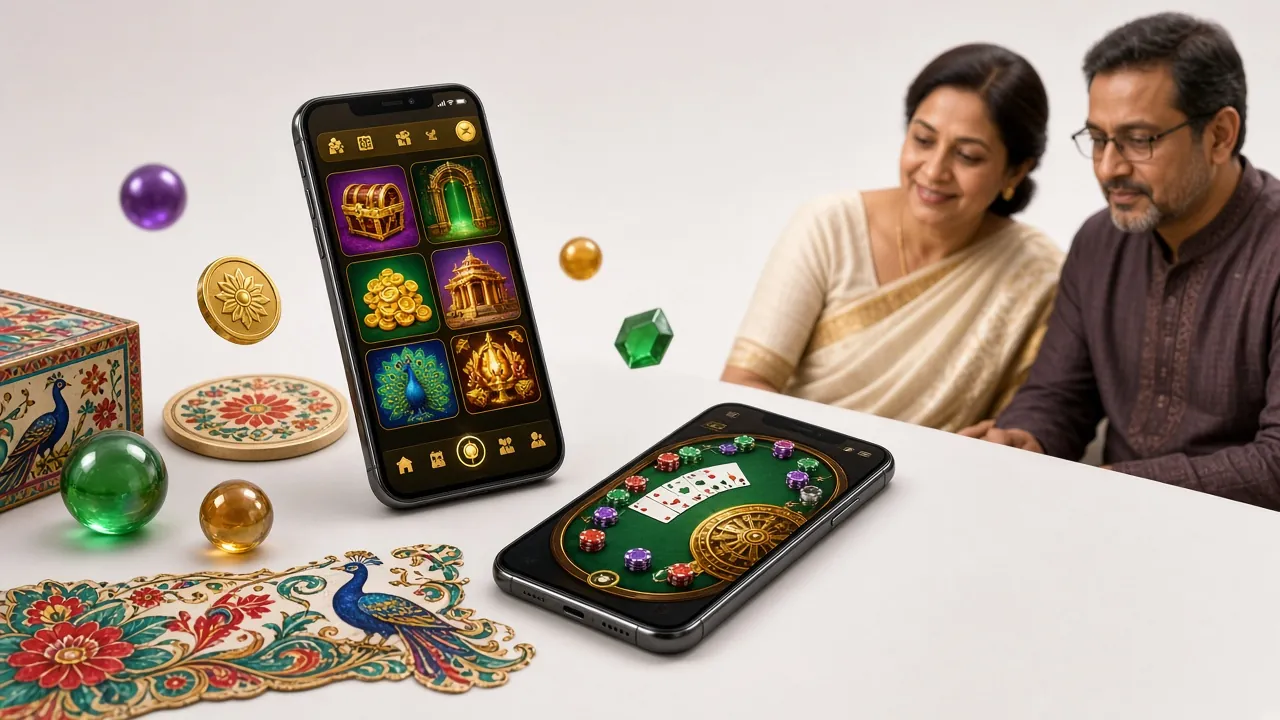
Every game in the full casino lobby is accessible through the app. Below are a handful of popular picks — tap any card to register and play.


Security & Permissions: What 8WWW APK Actually Accesses
Some players hesitate to sideload an APK. Fair concern. Here is exactly what the app requests and why — no hidden trackers, no access to contacts or storage beyond what is listed.
Internet Access
Required to load games, fetch live odds, and process deposits and withdrawals. The app communicates exclusively with 8WWW servers over HTTPS (TLS 1.3). No data is routed through third-party ad networks. You will see this listed as "Full network access" in Android permissions — it is standard for any online betting app.
Biometric Authentication
The app can use your phone's fingerprint sensor or face unlock to log you in quickly. This is entirely optional — you enable it in Profile → Security Settings. The app never reads or stores your biometric data; it only asks Android to confirm a match, and Android returns a yes/no result. Your fingerprint never leaves your device.
Camera & Microphone: Not Requested
The 8WWW APK does not request camera, microphone, or location permissions. If a future update needs camera access for document upload during account checks, the app will explain why at the time of the request. You can always review and revoke app permissions from your phone's Settings → Apps → 8WWW at any time.
APK Integrity & Source
The APK is signed with our official certificate. After downloading, Android verifies the signature before installing — if the file has been tampered with, installation will fail with an "App not installed" error. Only download from this page or from the official link provided in live chat. Do not use third-party APK mirrors; we cannot guarantee their files are unmodified.
System Requirements & Current Version Details
All information below is taken directly from the current release. If your device does not meet the minimum spec, the browser version at 8www6.com works on all Android and iOS browsers.
| App Version | 2.9.12 |
| File Name | 8www6.apk |
| File Size | 32 MB |
| Minimum Android Version | Android 7.0 (Nougat) |
| Last Updated | 14 November 2026 |
| Price | Free |
| Languages | English / Bangla |
| iOS Support | Add-to-Home-Screen via Safari (no App Store listing) |
| Root Required | No |
| Recommended RAM | 2 GB or more for smooth live casino streaming |
Minor bug fixes push automatically. For major version updates, re-download the APK from this page.
Common Installation Problems & How to Fix Them
Most APK installation failures fall into one of five categories. If none of these solve your issue, start a live chat from the main site and our support team will walk you through it.
| Problem | Likely Cause | Fix |
|---|---|---|
| "App not installed" error | An older version of the APK is already on the device, or the downloaded file is corrupt. | Uninstall the existing 8WWW app first (Settings → Apps → Uninstall), delete the old APK from your Downloads folder, then re-download from this page and try again. |
| "Install blocked" or "Unknown source" error | Android's unknown-sources setting is not enabled for your browser or file manager. | Go to Settings → Security → Install unknown apps, find your browser or Files app in the list, and toggle on "Allow from this source." Then tap the APK file again. |
| Download stops midway or file is 0 KB | Weak mobile data signal or the connection dropped during the download. | Switch to Wi-Fi or move to an area with stronger 4G signal. Clear your browser's download queue, then tap the Download APK button again. The file is 32 MB so a stable connection for about 30 seconds is enough. |
| App installs but crashes on launch | Device runs Android 6.x or below, which is below the minimum requirement, or insufficient free RAM. | Check your Android version under Settings → About phone. If it's below 7.0, use the mobile browser instead. If you're on 7.0+, force-close other running apps to free RAM, then relaunch 8WWW. |
| Games load slowly or freeze mid-round | Mobile data congestion, or Data Saver mode is not enabled on a slow connection. | Inside the app go to Profile → Display → Data Saver and turn it on. This reduces image quality in the lobby but keeps game logic running smoothly. For live casino streams, a stable Wi-Fi or 4G connection above 5 Mbps is recommended. |
Your Questions About the 8WWW APK, Answered
-
Is the 8WWW APK safe to install?
Yes. The APK is signed with our official certificate and hosted on our own server — not on a third-party file-sharing site. Android verifies the signature before installing, so a tampered file will fail to install rather than harm your device. We recommend downloading only from this page or from the link provided by our 24/7 live chat. After installation, go to Settings → Apps and check that the publisher reads "8WWW." Avoid unofficial mirrors that claim to offer the same file at smaller sizes or with "mod" features.
-
Why isn't the 8WWW app on the Google Play Store?
Google Play's policies restrict real-money gambling apps in many markets, including Bangladesh. This is a platform policy, not a reflection of the app's safety or legality. The sideload process is straightforward — Android supports it natively, and millions of apps worldwide are distributed this way. The only extra step is enabling "Install unknown apps" in Settings once. After that, installing 8WWW APK takes the same taps as any Play Store install.
-
How do I update the 8WWW app when a new version comes out?
Minor updates (bug fixes and odds-feed improvements) push automatically in the background — you will not notice them. For major version releases, the app shows an in-app banner prompting you to download the new APK. Simply tap the banner or return to this page, download the latest file, and install it over the existing app. You do not need to uninstall first for a version update; your account data and settings are preserved. The current version is 2.9.12, last updated 14 November 2026.
-
What should I do if the APK installation keeps failing?
Start with the five-step troubleshoot table above — it covers the most common causes. If those steps do not resolve the issue, try these additional checks: confirm you have at least 32 MB of free storage; restart your phone before attempting installation again; and make sure your Android version is 7.0 or above (check under Settings → About Phone). If the problem persists, contact our 24/7 live chat support with your device model and Android version and we will help you directly.
-
Can I use the same account on both the app and the browser?
Yes, your 8WWW account works across all platforms. Log in with the same phone number and password on the APK, the mobile browser, or a desktop browser — your wallet balance, bonus status, bet history and VIP level are all shared. You can start a live cricket bet on the app and check the result on a browser later. We do recommend logging out of one device before logging into another to avoid any session conflicts during live games.
-
Does the app work without a Wi-Fi connection?
Yes. The 8WWW app runs on mobile data (4G or 5G) without any issues. For general sports betting and slots, even a 3G connection is usually enough. Live dealer casino streams need a steadier connection — aim for at least 5 Mbps. If your data is limited, enable Data Saver mode (Profile → Display) to cut lobby image quality and preserve bandwidth for the actual game logic. Push notifications also work over mobile data when the app is running in the background.
-
How do I deposit money through the 8WWW app using bKash or Nagad?
Open the app, tap Wallet at the bottom, then Deposit. Select bKash, Nagad, Rocket, Upay or bank transfer from the list. Enter the amount — minimum is ৳200 — and tap Confirm. The app redirects you to your payment app to authorise the transfer. Once you approve, return to 8WWW and the balance updates within 6 minutes. If the balance has not updated after 10 minutes, tap Check Status in the Deposit History screen before contacting support.
Next Steps After You Download
Got the app installed? Here are the three pages most useful right after your first launch.
Create Your Account
No account yet? Registration takes under three minutes. You need a phone number and a password — nothing else to get started.
Register NowLog In to Your Account
Already registered? Head straight to the login page. You can also enable biometric login inside the app after your first successful sign-in.
Log InExplore the Casino
Browse slots, live dealer tables, crash games and fishing rounds from Pragmatic Play, Evolution, JILI and more — all in one lobby.
See Casino